Source
Supabase live template
Delivery
Prepared email
Prepared, not sent yet
Updated
May 1, 2026
Visuals
4 image assets
Version 2. rewrote Day 12 for realtime voice judgment and added three branded visuals
Main Context
AI Orientation
Day 12: Realtime voice and conversational AI
Day 12: Talking to AI changes the workflow, not just the interface
What you'll see today:
- Why realtime voice feels different from typed chat
- Where live conversational AI is genuinely useful
- Why interruption, memory, and turn-taking matter
- What can go wrong when people trust the voice too quickly
- Your action: try one real spoken workflow
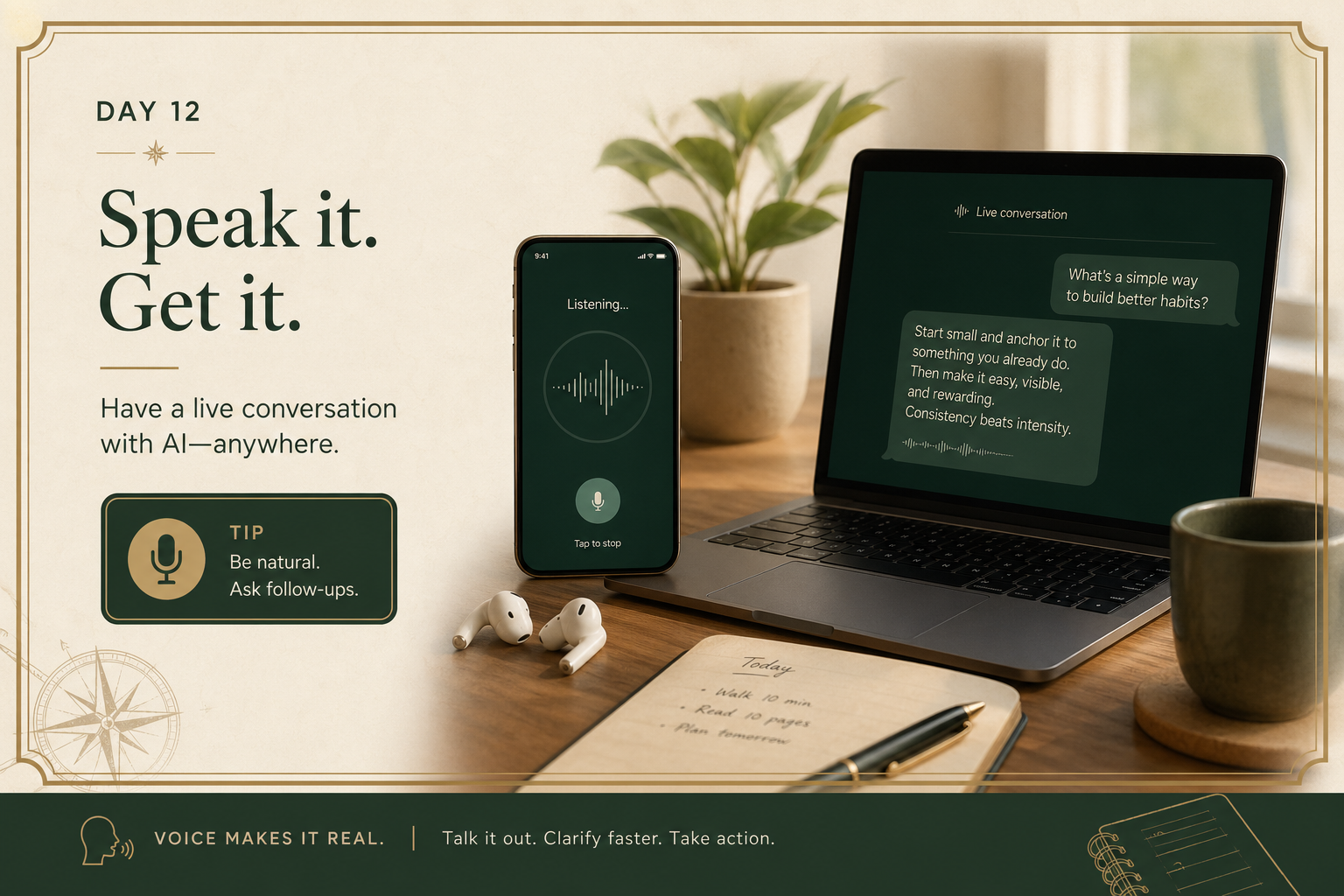
Voice changes something important.
When you speak instead of type, the interaction becomes faster, messier, and more human.
That can be a huge advantage.
It also makes people trust the system more easily, sometimes too easily, because a smooth voice feels competent.
Today is about using conversational AI in a way that is useful without becoming careless.
1) Realtime voice is best for momentum and iteration
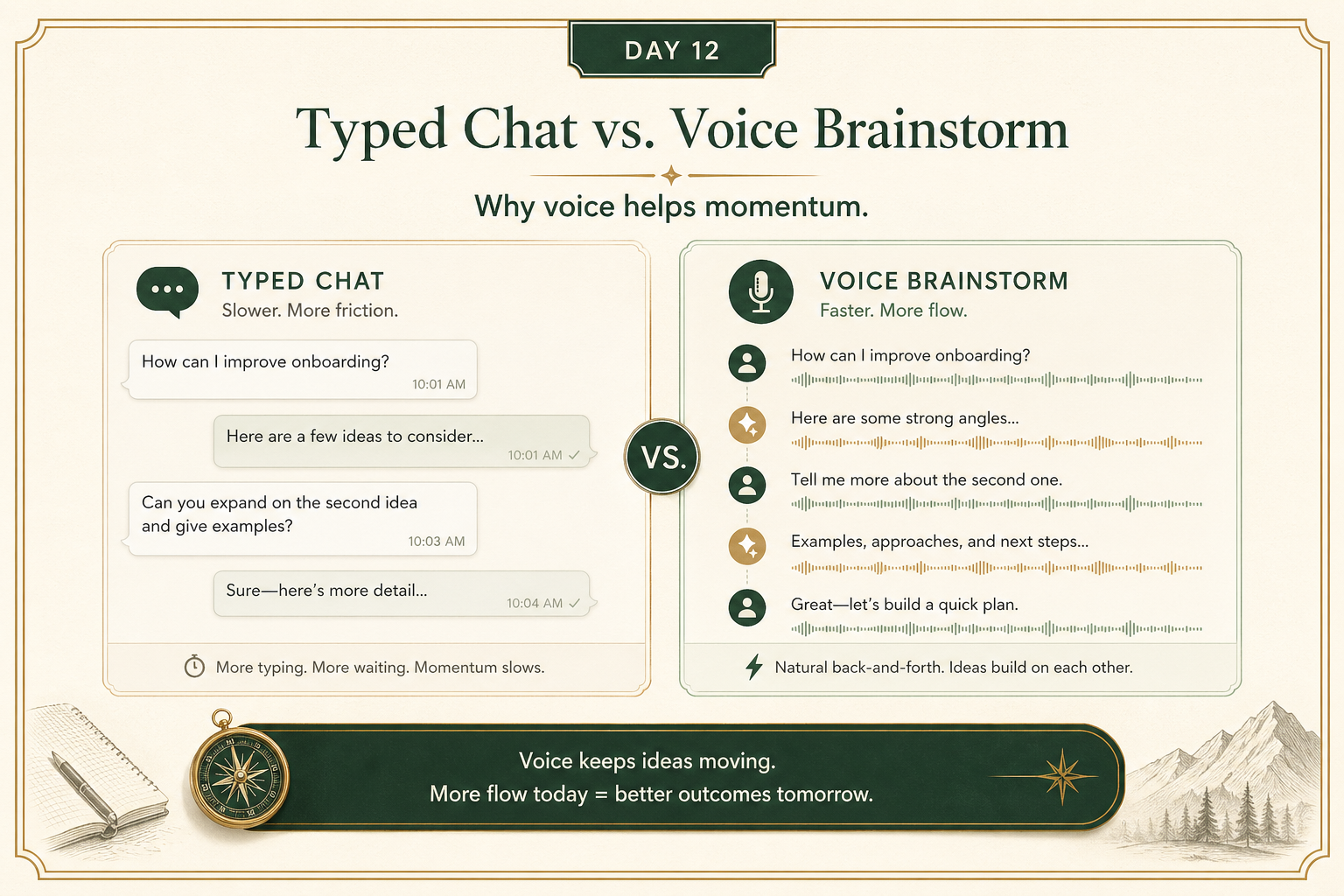
Voice is often strongest when you want:
- quick brainstorming
- back-and-forth exploration
- walking through a problem aloud
- practicing a conversation
- faster note capture while moving
It reduces friction.
You do not need to stop and polish every sentence before asking the next question.
That can make the AI feel more collaborative.
2) Good conversational AI depends on turn-taking, interruption, and context
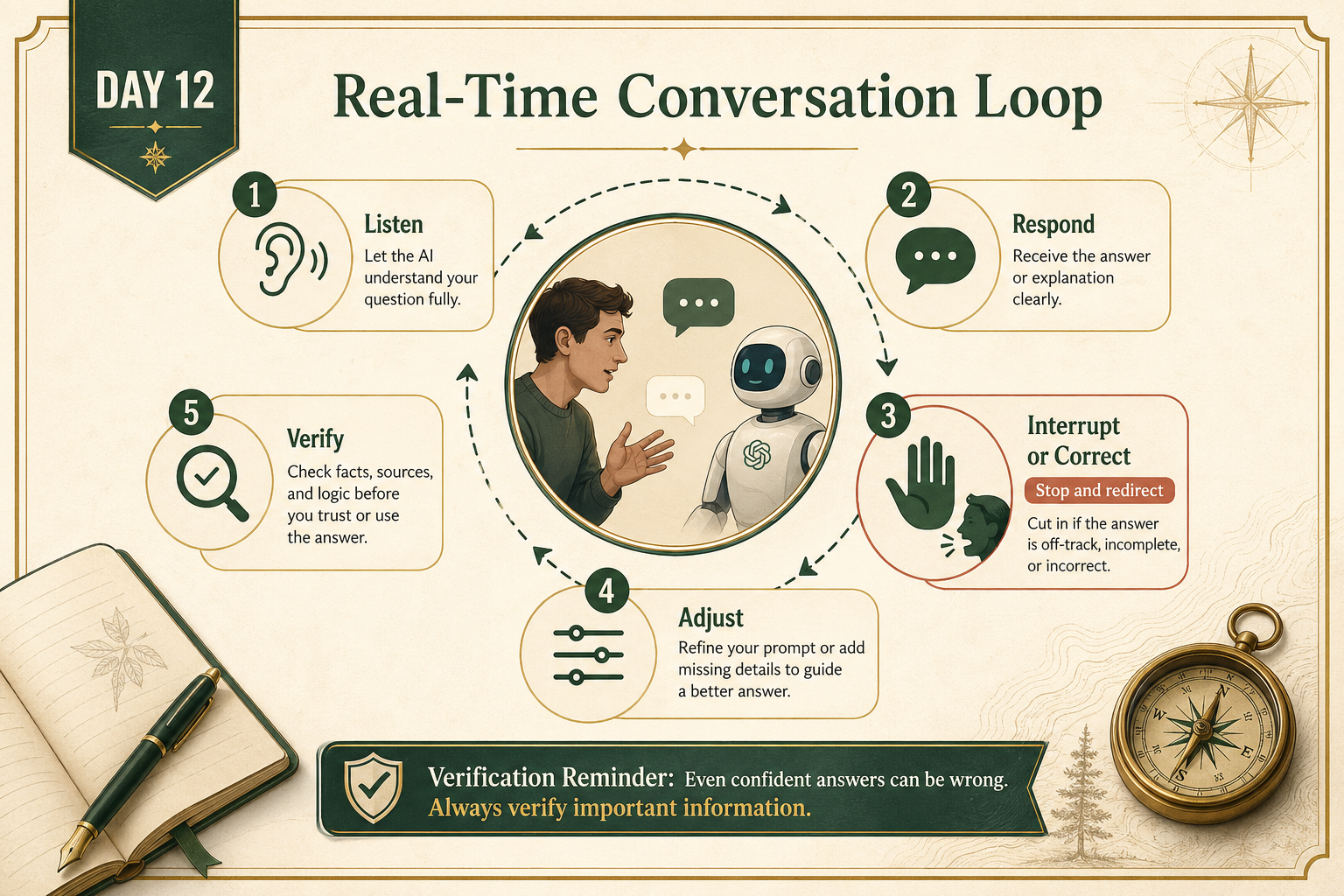
A real conversation is not just question, answer, question, answer.
People interrupt.
They correct themselves.
They change direction halfway through.
They reference something said 20 seconds ago.
That means good voice systems need to handle:
- listening well
- short-term context
- interruptions
- clarification
- pacing
If those break, the conversation feels much worse even if the language quality is high.
3) Spoken confidence can mislead you faster than typed confidence
A confident voice can create a false sense of trust.
That matters because spoken mistakes can slide by faster.
People often verify less when the interaction feels smooth and human.
The same rule still applies:
if the task is high-stakes, verify before acting.
Realtime voice is great for:
- ideation
- practice
- clarification
- lightweight assistance
It is not a permission slip to stop checking important facts.
Your action for today
Try one spoken workflow with AI.
Examples:
- brainstorm aloud about a work problem
- practice explaining an idea
- rehearse a conversation
- dictate a rough plan and ask the AI to organize it
Reply with:
- what workflow you tried
- what felt better in voice than text
- where the system helped
- where it felt shaky or overconfident
I’ll tell you:
- whether voice was the right interface for that task
- what to watch out for
- how to get more value out of the next round