Source
Supabase live template
Delivery
Sent email
Last sent May 14, 2026
Updated
May 1, 2026
Visuals
4 image assets
Version 2. rewrote Day 11 for clearer presentation thinking and added three branded visuals
Main Context
AI Orientation
Day 11: Presentations, pitch decks, and making AI less generic
Day 11: AI can help with decks, but it cannot replace point of view
What you'll see today:
- Where AI helps most in presentation work
- Why generic decks happen so easily
- How to use AI for structure without outsourcing your judgment
- What makes a slide clearer, not just longer
- Your action: improve one real presentation section
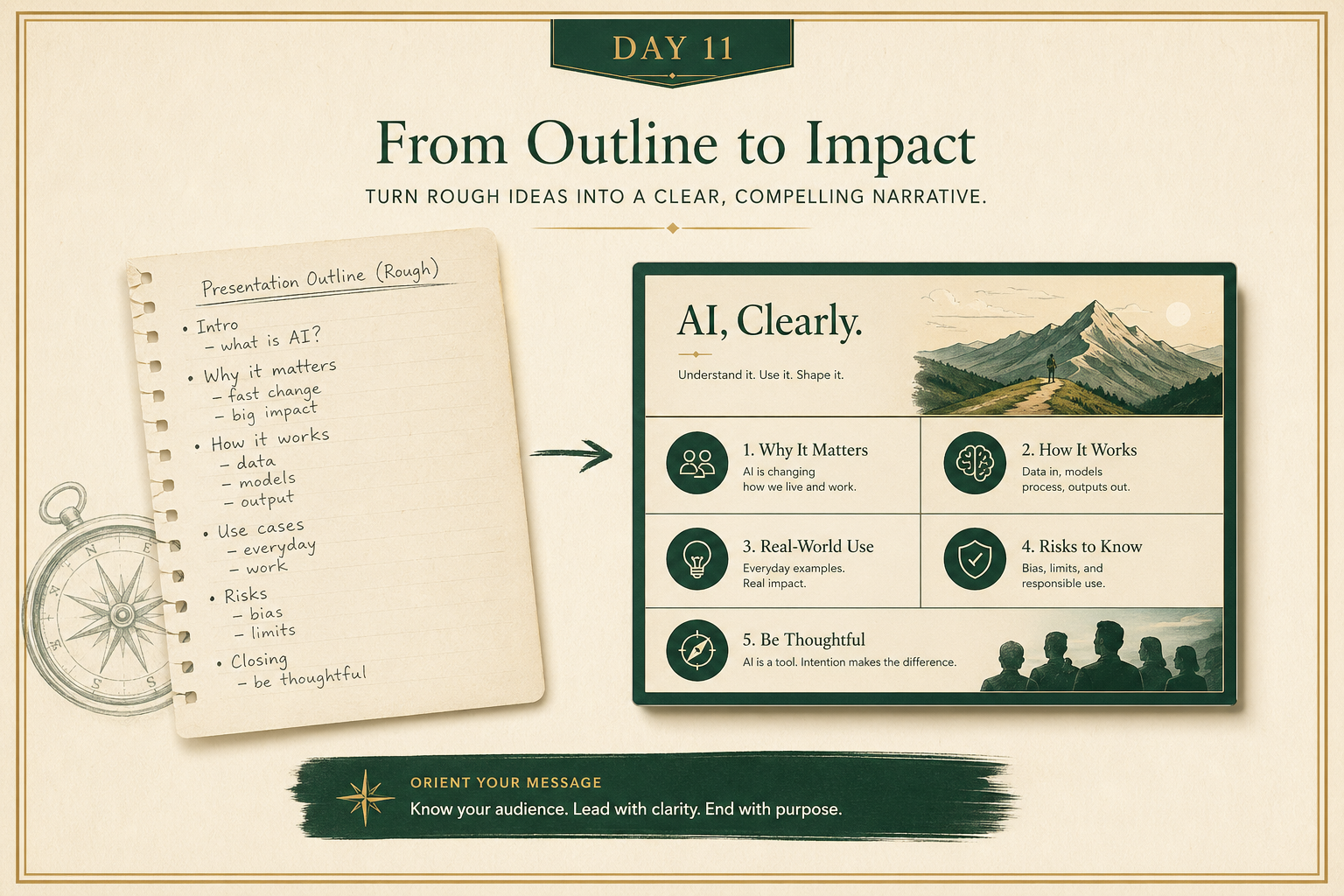
AI is very good at making slides that look like slides.
That is not the same as making a good presentation.
A bad AI-generated deck often has:
- too many bullets
- generic takeaways
- weak narrative flow
- no real audience awareness
So today is about using AI for presentation work without letting it flatten your thinking.
1) Use AI to improve structure first
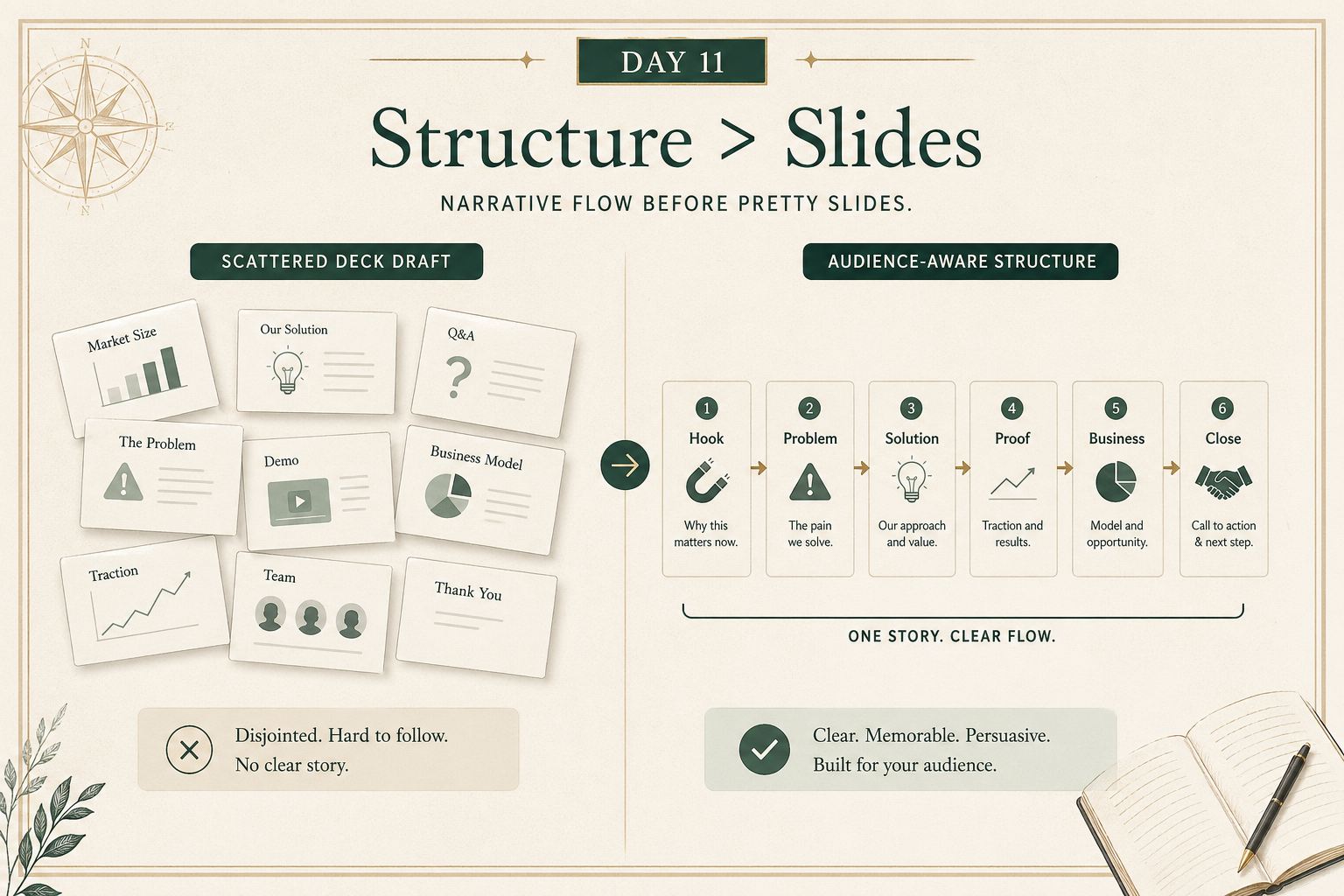
The best early use of AI in deck work is usually:
- clarify the audience
- sharpen the goal
- improve the outline
- cut repetition
- simplify the message
That is better than saying:
“Make me a full deck.”
A stronger prompt sounds like:
“Here is my rough outline. Help me make the narrative clearer for this audience. Show me where the logic is weak, repetitive, or missing a step.”
That keeps you in charge of the story.
2) Strong slides are usually simpler than AI wants to make them
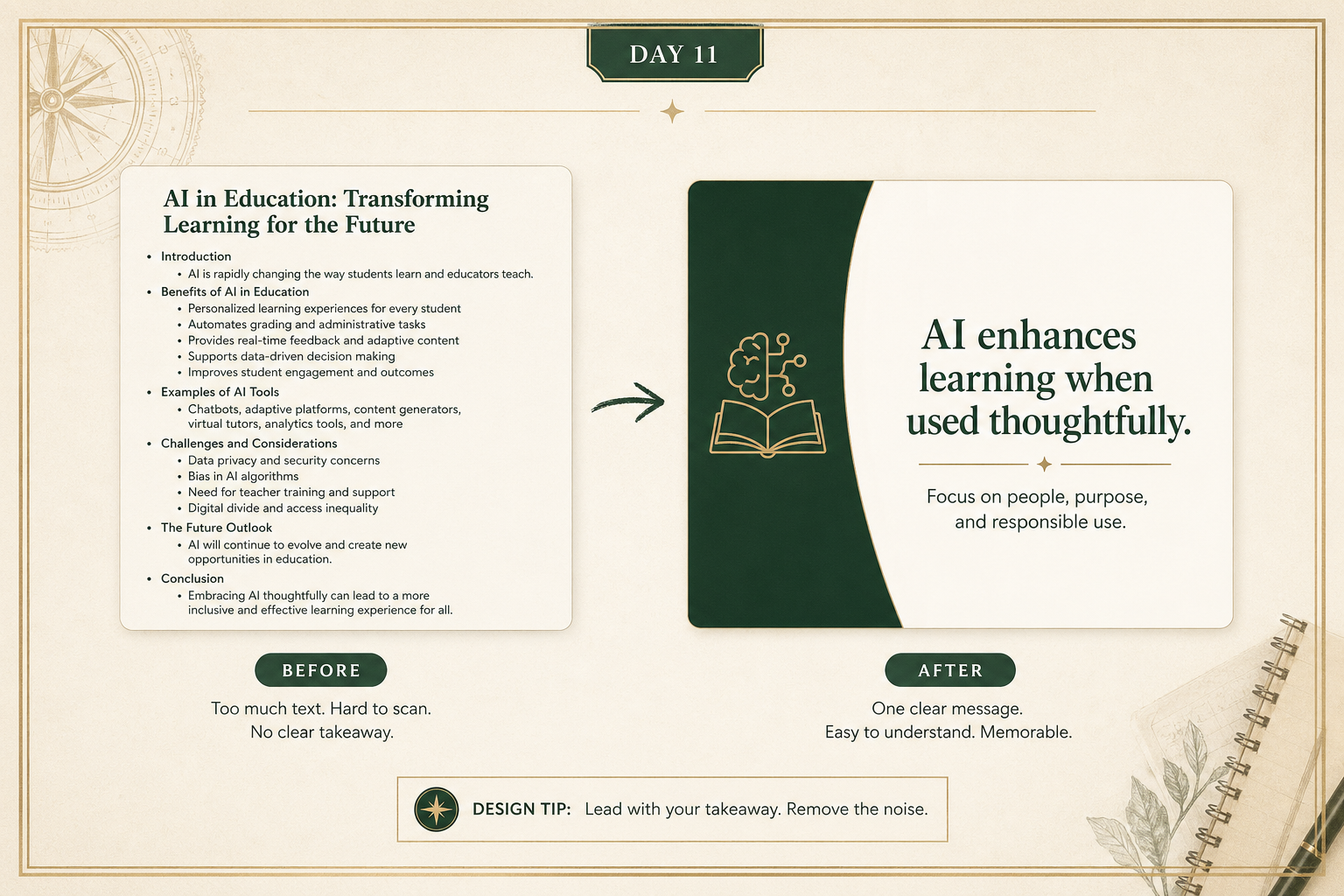
AI often defaults to “more words.”
Good slides usually need the opposite:
- one idea per slide
- clearer hierarchy
- shorter text
- more obvious takeaway
- fewer decorative filler elements
A useful rule:
if a slide cannot be summarized in one sentence, it may be trying to do too much.
AI can help you cut, compress, and reframe.
That is often more valuable than asking it to expand.
3) The real value is iteration, not first draft perfection
Good deck work is iterative.
A smart workflow looks like:
- draft the outline
- ask AI to critique the flow
- rewrite weak transitions
- simplify dense slides
- generate visual ideas where they help
- tailor it to the audience
That is much better than asking AI to make the whole thing in one shot and hoping it nails your judgment.
Your action for today
Take one real presentation, memo, or pitch outline.
Ask AI to help with one of these jobs:
- improve the structure
- simplify one section
- rewrite a slide for a specific audience
- identify the weak point in the flow
Reply with:
- what the presentation was for
- the prompt you used
- the before/after version of one section
I’ll tell you:
- whether the improvement was real or just longer
- what the slide or section is still missing
- how to make the deck feel less generic