Source
Supabase live template
Delivery
Sent email
Last sent May 14, 2026
Updated
May 1, 2026
Visuals
4 image assets
Version 2. rewrote Day 10 for intentional video workflows and added three branded visuals
Main Context
AI Orientation
Day 10: Video generation and image-to-video without losing the plot
Day 10: AI video is powerful, but the workflow still matters
What you'll see today:
- What video generation is actually good for right now
- Why story beats matter more than one giant prompt
- When image-to-video is better than text-to-video
- How to avoid chaotic unusable output
- Your action: create one short, intentional video concept
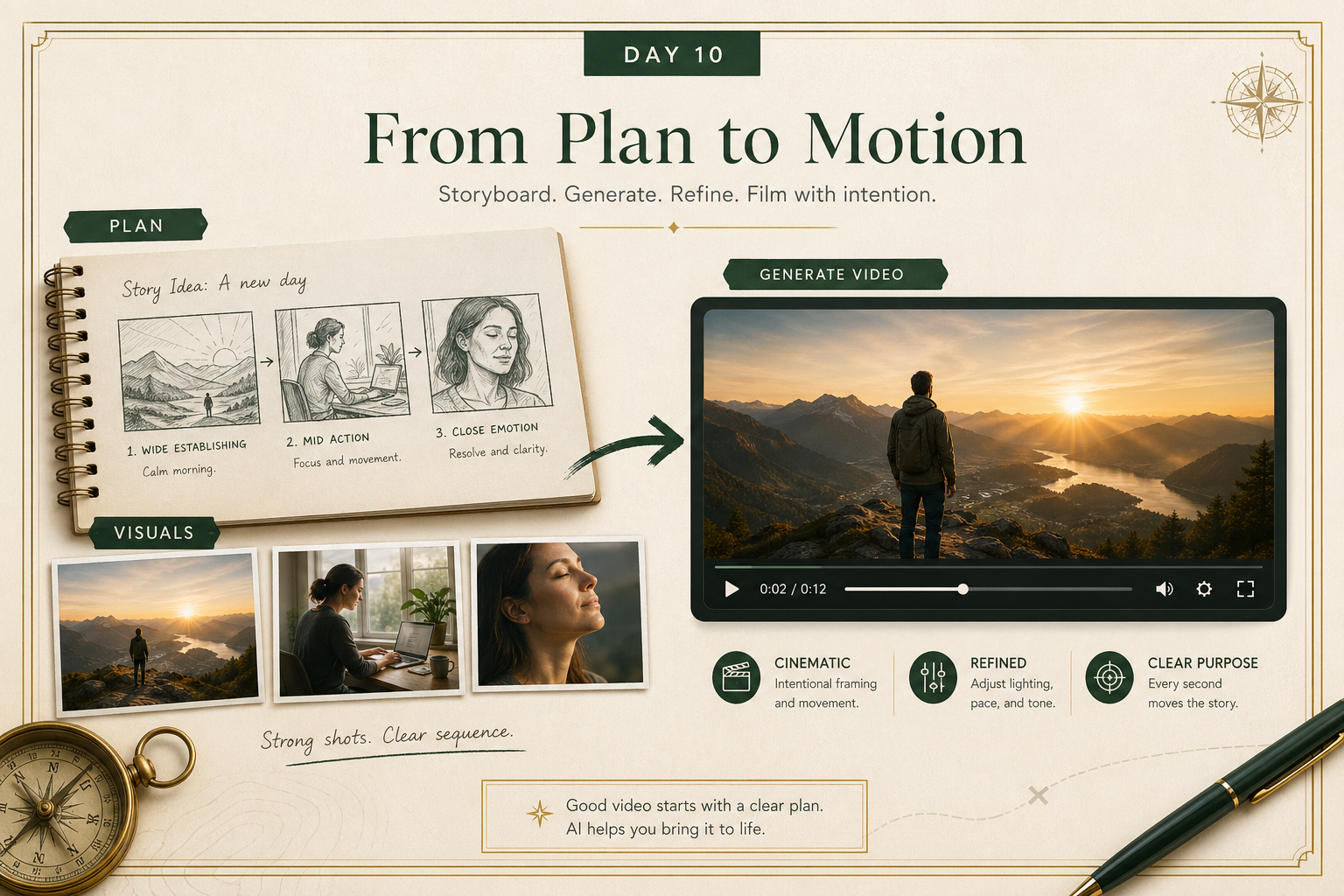
AI video can feel like the most impressive medium of all.
Type a prompt, get moving footage.
But it also breaks fast.
A vague prompt often leads to:
- weird motion
- inconsistent subjects
- drifting composition
- clips that are visually interesting but useless
Today is about using video generation with more control.
1) Think in scenes, not giant paragraphs
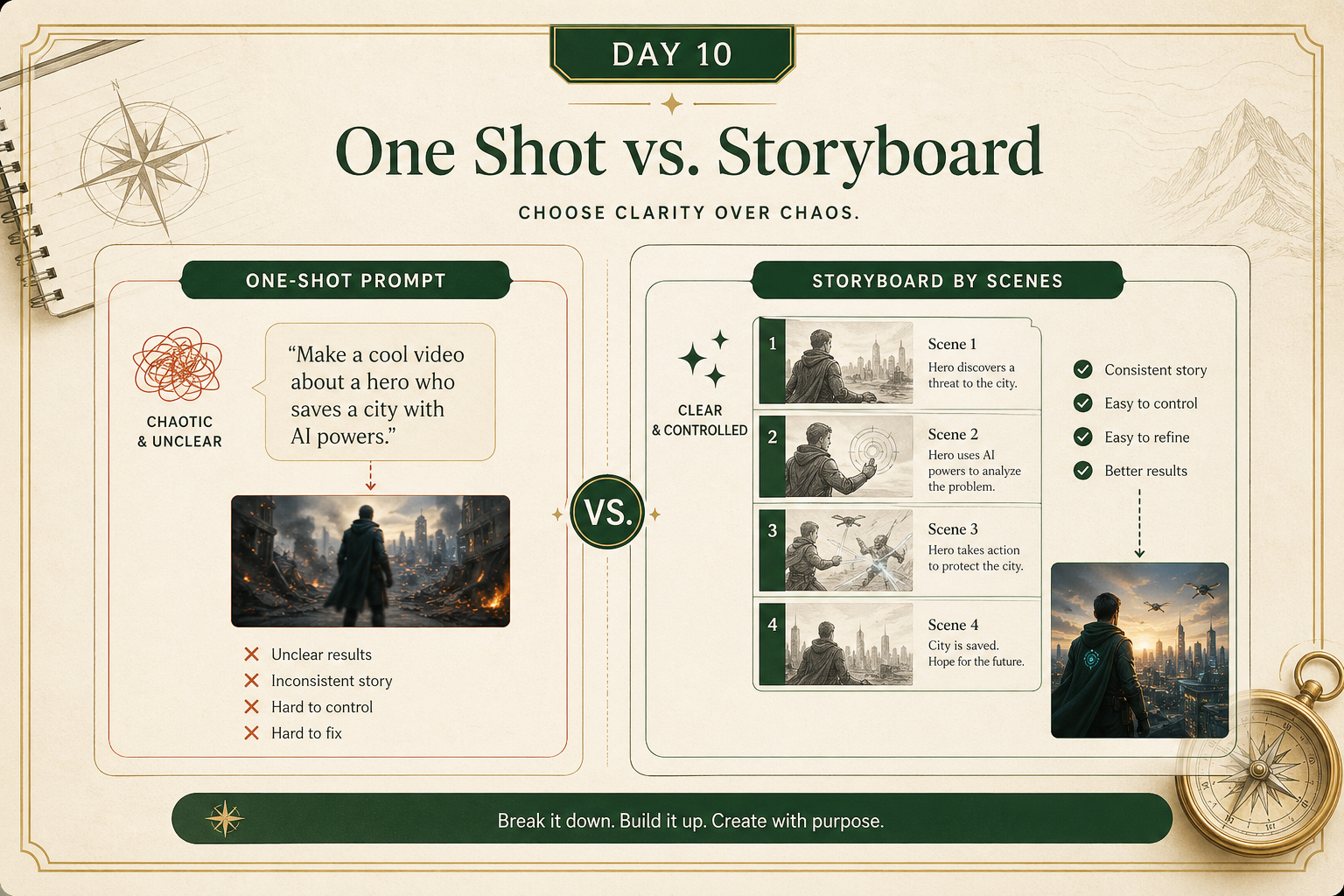
A beginner mistake is trying to cram the whole film into one prompt.
A better workflow is:
- decide the goal
- break it into short scenes
- generate one useful moment at a time
That gives you more control over:
- pacing
- subject consistency
- camera feel
- editability later
Even if the final piece is only 10 seconds long, having a clear sequence helps a lot.
2) Image-to-video is often easier to control
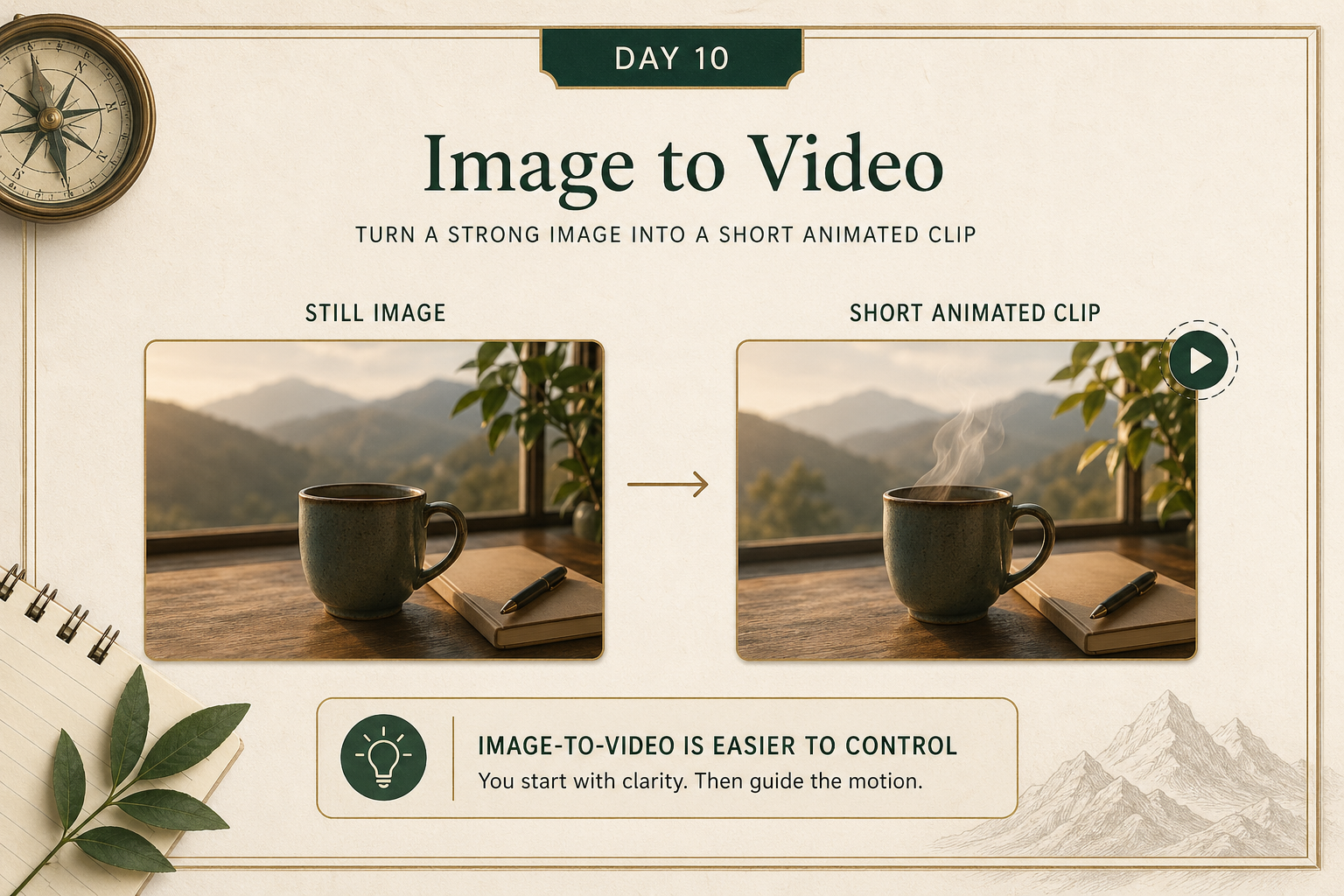
If you already have a strong still image, image-to-video is often easier than starting from pure text.
Why?
Because the composition is already there.
The model has less room to reinvent everything.
That makes image-to-video useful for:
- animating a product shot
- adding motion to a concept frame
- creating a calmer, more controlled clip
- preserving a visual identity across outputs
A good beginner rule:
if consistency matters, start from an image when you can.
3) Use AI video for prototypes, explainers, and concepts first
Strong use cases right now:
- a concept test
- a product explainer mockup
- a social clip draft
- a pitch visual
- a quick scene prototype
Weaker use cases:
- assuming one generation equals final production
- expecting perfect continuity across long sequences
- using it without any storyboard or editing judgment
The mindset is:
AI video helps you get to a first visual draft faster.
You still need direction.
Your action for today
Create one short video concept.
Either:
- write a 3-scene storyboard for a short clip
or - take one existing image and try turning it into a short video
Reply with:
- the concept
- the prompt you used
- whether you used text-to-video or image-to-video
- what worked and what broke
I’ll tell you:
- whether the workflow choice made sense
- how to improve control
- what to simplify next time