Source
Supabase live template
Delivery
Sent email
Last sent May 11, 2026
Updated
May 1, 2026
Visuals
4 image assets
Version 2. rewrote Day 9 for practical audio workflows and added three branded visuals
Main Context
AI Orientation
Day 9: Audio, voice, and music tools that feel practical
Day 9: Voice and audio are becoming normal AI inputs and outputs
What you'll see today:
- Why audio matters beyond novelty
- Good use cases for transcription, voice, and spoken summaries
- Where AI voice is useful and where it gets weird fast
- How to think about music generation without overhyping it
- Your action: make one audio workflow more useful
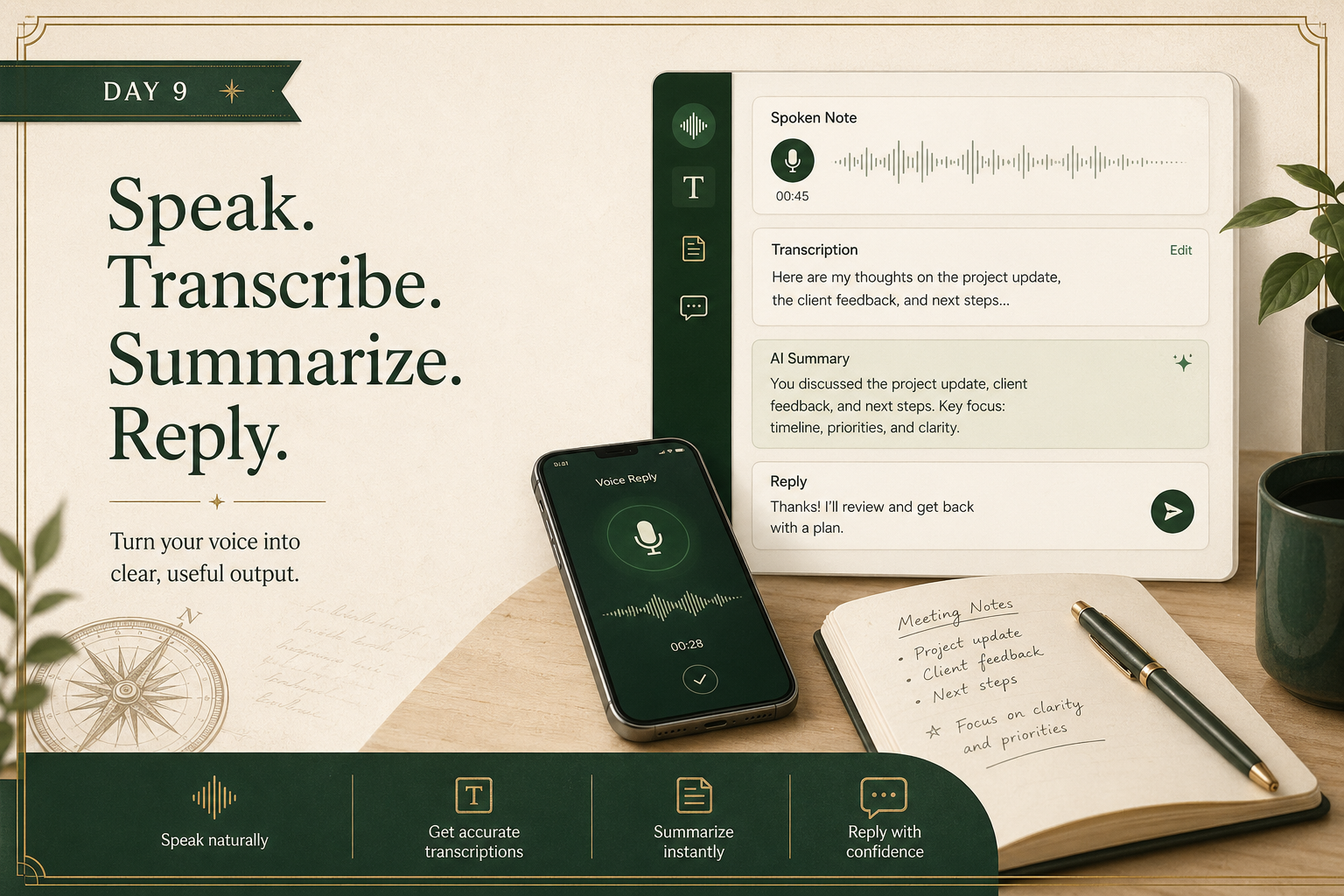
A lot of people still think of AI as typing into a box.
That is already outdated.
Audio now matters in at least four practical ways:
- speech to text
- text to speech
- voice conversation
- music or sound generation
The beginner question is not “can it do audio?”
The better question is “which audio use cases are actually helpful?”
1) Start with transcription and summaries, not synthetic celebrities
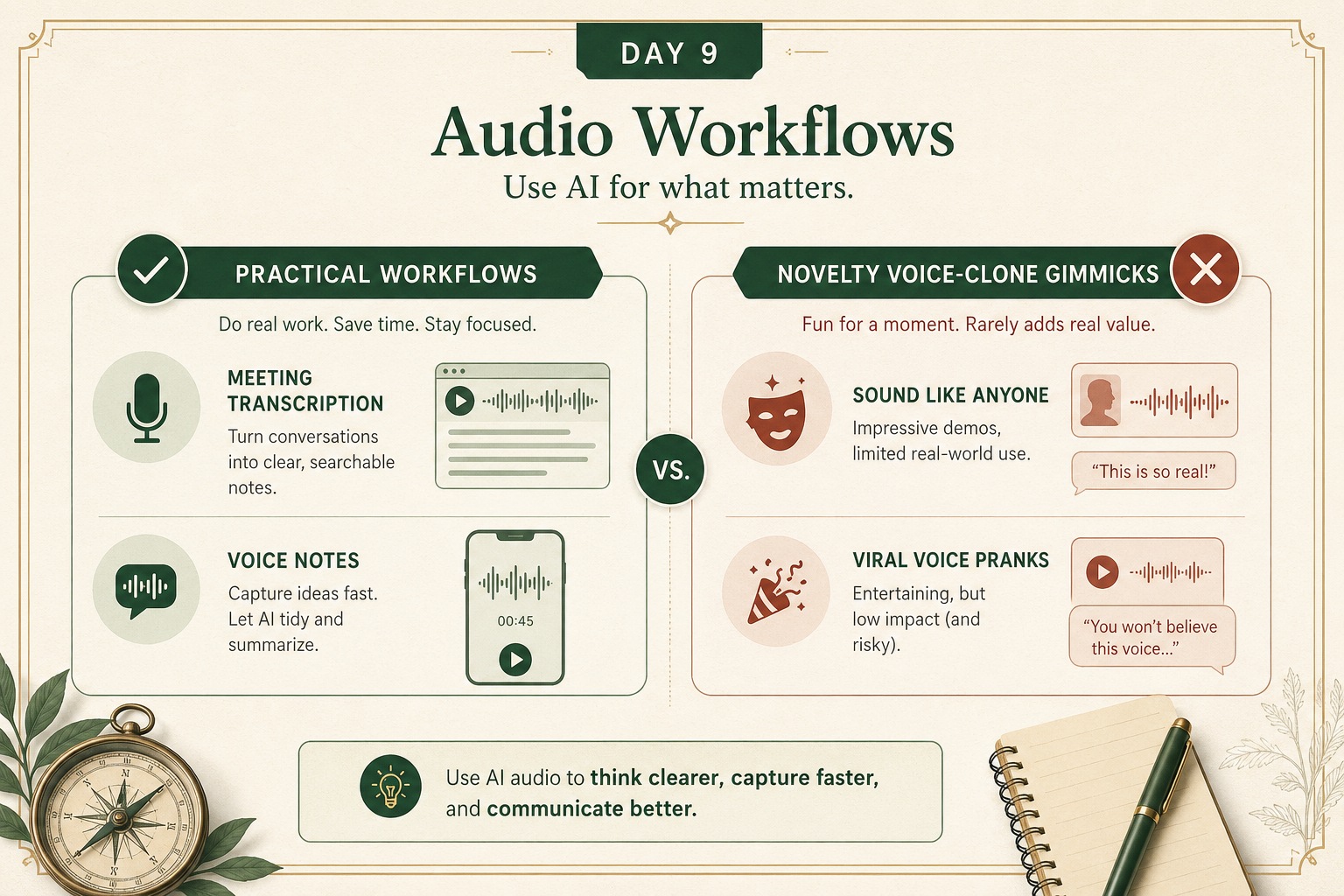
The most useful audio workflows are usually boring in a good way:
- record a meeting and get notes
- dictate a rough idea while walking
- turn written text into listenable audio
- summarize an interview or podcast
These are valuable because they save friction.
By contrast, many flashy voice demos are technically impressive but not especially useful in real life.
A good beginner default:
use audio first to capture, transcribe, and summarize.
2) AI voice is powerful when tone and speed matter
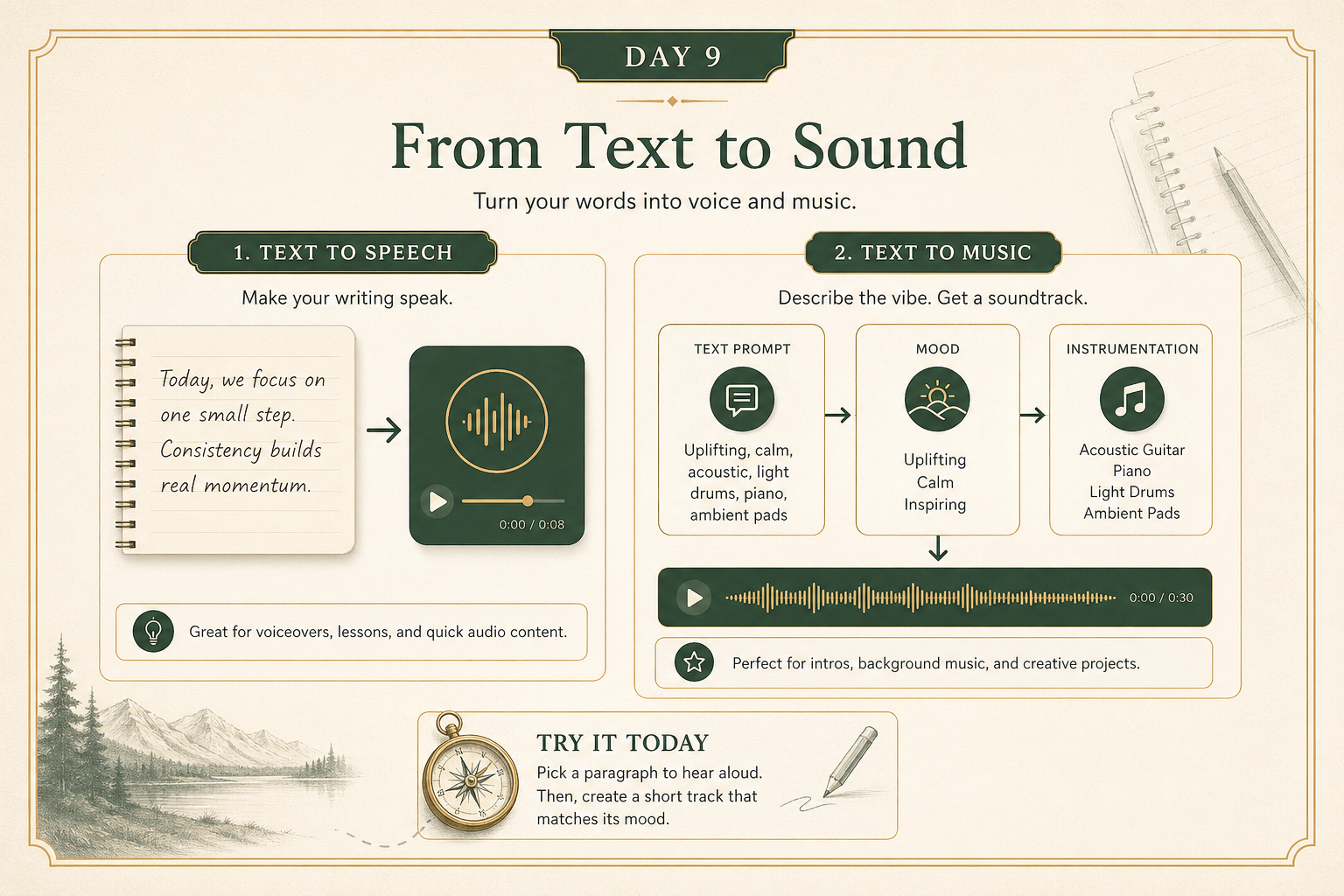
Text-to-speech becomes useful when you want:
- a draft read back to you
- a voice memo version of a lesson
- more accessibility
- a faster skim of written content while moving
It is not just about sounding human.
It is about changing the format so the information becomes easier to use.
A practical example:
if you wrote a long explanation, hearing it out loud can reveal awkward phrasing immediately.
3) Music generation is real, but use judgment
Music generation is one of those areas where the output can feel magical quickly.
But the practical questions still matter:
- what is it for?
- who owns what?
- how polished does it need to be?
- is this background audio, a demo, or a final product?
A good beginner use case is fast prototyping:
- mood music for a video draft
- a rough sonic direction
- an experiment for a concept
A weaker use case is pretending the legal, creative, and attribution questions are already settled when they are not.
Your action for today
Try one practical audio workflow.
Options:
- dictate a rough voice note and have AI clean it up
- transcribe a recording and summarize it
- turn a piece of writing into spoken audio
- try a simple music generation prompt for a real concept
Reply with:
- what workflow you tried
- the tool you used
- what came out
- whether it felt genuinely useful or mostly gimmicky
I’ll tell you:
- whether you picked a strong use case
- where the workflow could be improved
- what to be careful about next