Source
Supabase live template
Delivery
Sent email
Last sent May 14, 2026
Updated
Apr 30, 2026
Visuals
5 image assets
Version 2. rewrote Day 5 for practical learning prompts and added five branded visuals
Main Context
AI Orientation
Day 5: Learn with AI, not just to outsource
Day 5: Use AI to learn, not just to outsource
What you'll see today:
- The difference between automation and augmentation
- Why the best learning prompts forbid the AI from giving the final answer
- A simple Socratic tutor prompt you can reuse
- How to turn any document or topic into a quiz
- Your action: make AI teach you something
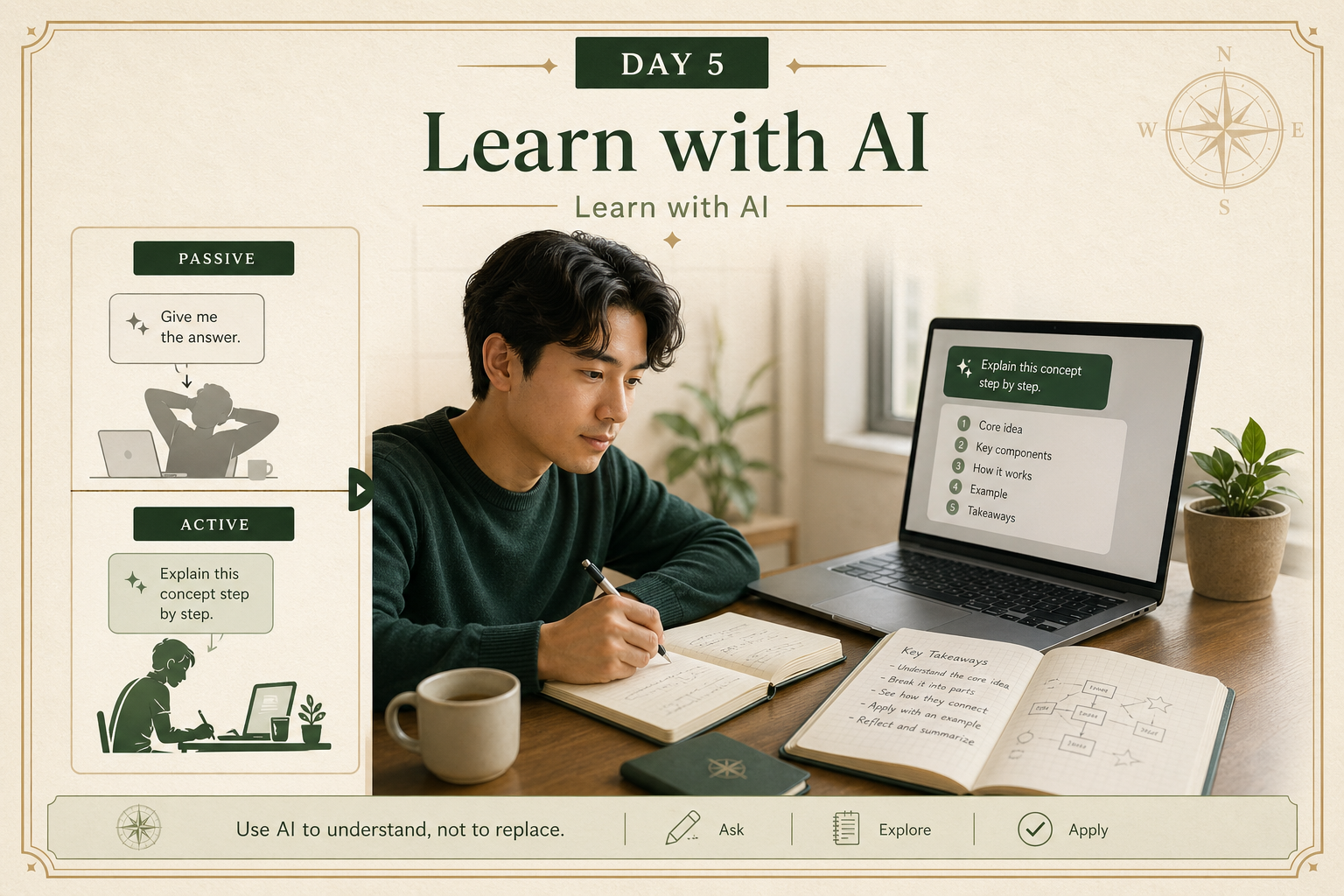
A lot of beginners use AI like this:
“Do this for me.”
Write the email.
Summarize the article.
Solve the problem.
Explain the spreadsheet.
That can be useful.
But if you only use AI as a machine that hands you finished answers, you may move faster in the moment while learning less underneath.
A better long-term move is to use AI as a thinking partner.
Not just to produce work for you, but to help you understand, test, and improve your own thinking.
That is the shift from automation to augmentation.
Today is about making that shift practical.
1) Automation gets output. Augmentation builds capability.
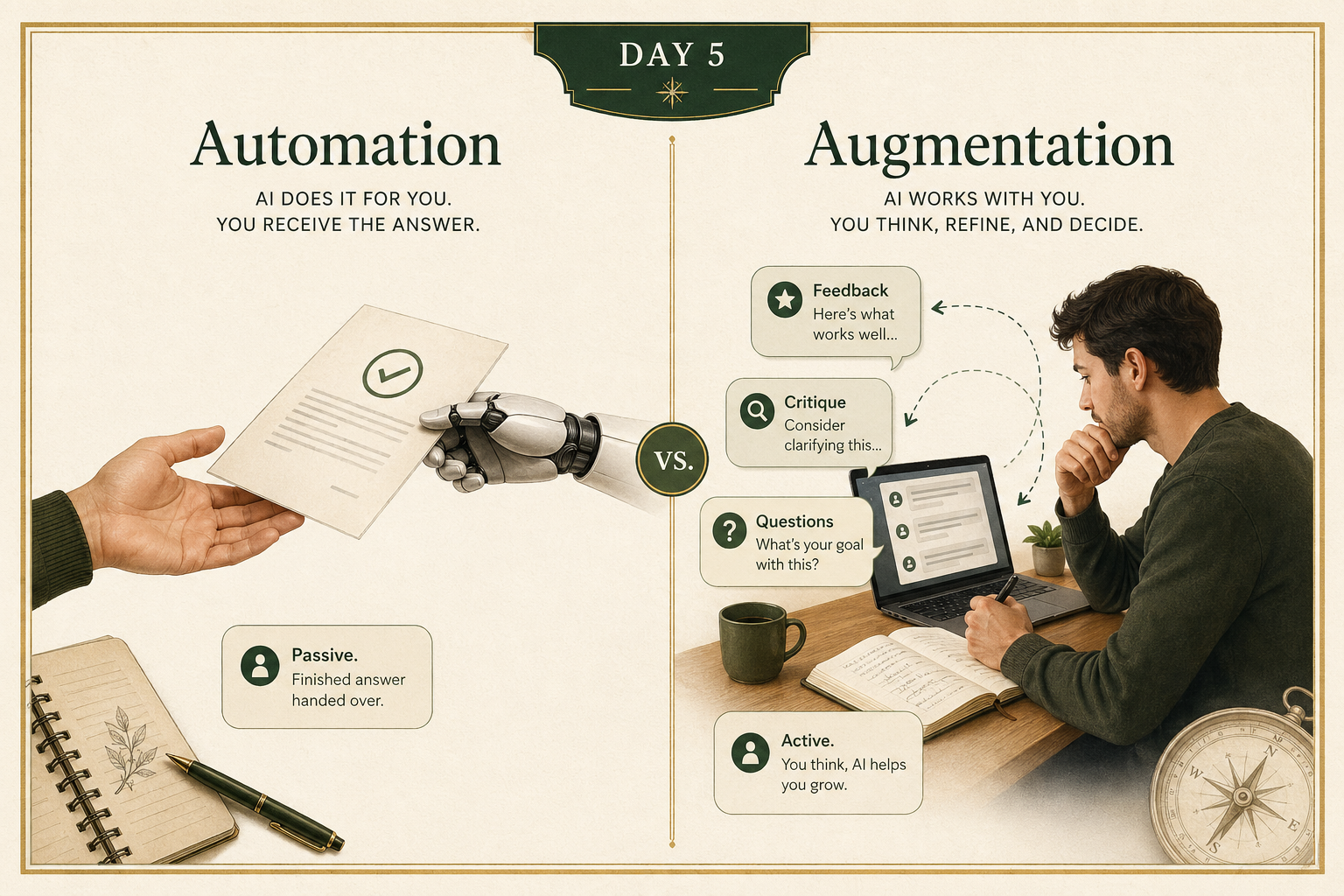
Automation means the AI does more of the task for you.
Examples:
- “Write my meeting recap.”
- “Summarize this article.”
- “Draft a cold outreach email.”
Augmentation means the AI helps you do the task better.
Examples:
- “Here is my meeting recap draft. What is unclear or missing?”
- “Quiz me on this article instead of summarizing it.”
- “I wrote this outreach email. Show me three weak spots and how to fix them.”
Both have value.
But augmentation is usually where the deeper payoff starts.
It helps you:
- notice gaps in your understanding
- practice judgment instead of just receiving answers
- improve your own drafts instead of outsourcing all the thinking
A useful rule:
If the AI is doing all the thinking, you are probably automating.
If the AI is helping you think better, you are probably augmenting.
2) The Socratic tutor prompt: make AI teach instead of tell
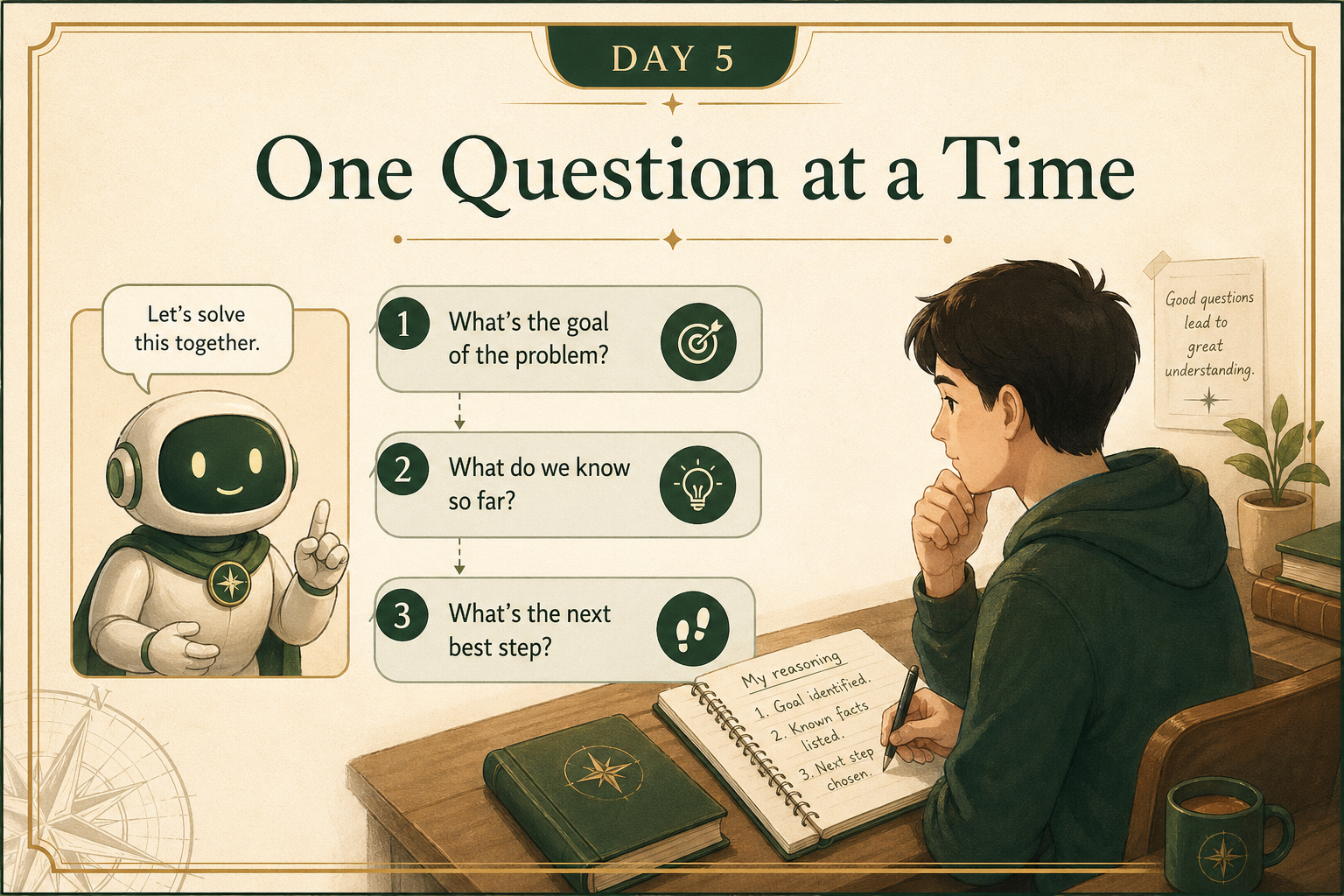
One of the highest-value prompt moves is to stop asking for the answer and start asking for guidance.
Instead of:
“Explain pricing strategy to me.”
Try:
“Act as a Socratic tutor. I want to understand pricing strategy. Ask me one question at a time, wait for my response, and help me reason my way to better answers. Do not give me the final answer immediately.”
Why this works:
- it keeps you engaged
- it surfaces what you actually do and do not understand
- it turns the AI into a coach instead of an answer machine
This is especially useful when you want to learn:
- a business concept
- a technical idea
- a new workflow
- a framework you need to apply, not just recognize
Reusable prompt:
“Act as a Socratic tutor. I want to learn [topic]. Ask me one question at a time. Do not dump a full explanation all at once. Wait for my answer, then guide me based on what I say. If I get something wrong, help me correct it without immediately giving everything away.”
3) The Feynman move: ask for simple explanation, not impressive wording
Sometimes your problem is not that you need a tutor.
Sometimes you are staring at something dense, technical, or full of jargon.
That is where the Feynman move helps.
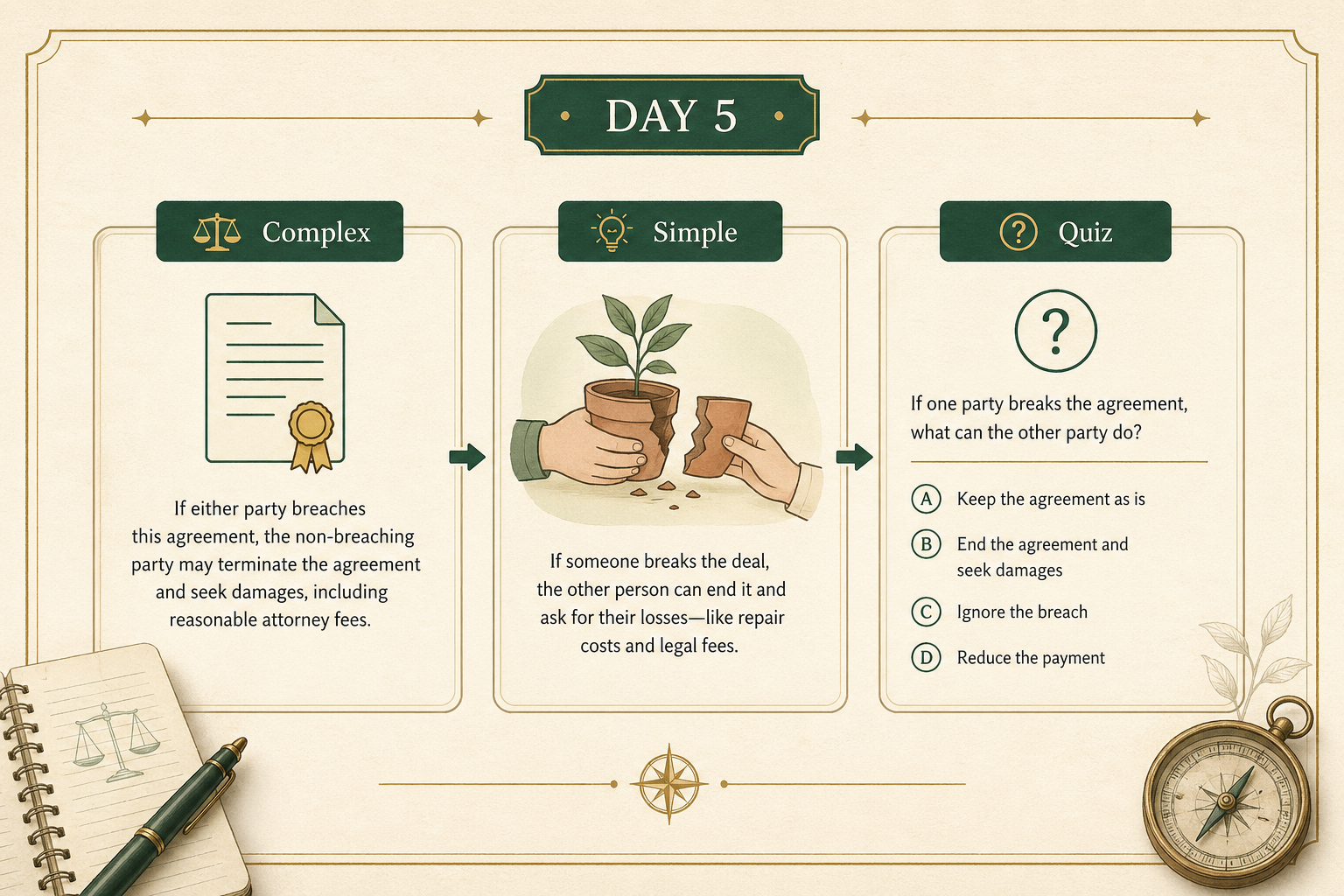
Instead of asking AI to “summarize” a complicated topic, ask it to explain the idea in plain language using an everyday analogy.
Example:
“I’m trying to understand APIs. Explain them in plain English as if I’m new to the topic. Use an everyday analogy, avoid jargon, and tell me where the analogy breaks down so I don’t learn the wrong lesson.”
That last part matters.
A good analogy helps you get oriented.
But a sloppy analogy can also leave you with a false mental model.
So the better prompt is not just:
- explain simply
It is:
- explain simply
- use an analogy
- point out the limits of the analogy
That gives you something much more useful than a polished wall of text.
4) Turn passive reading into active practice
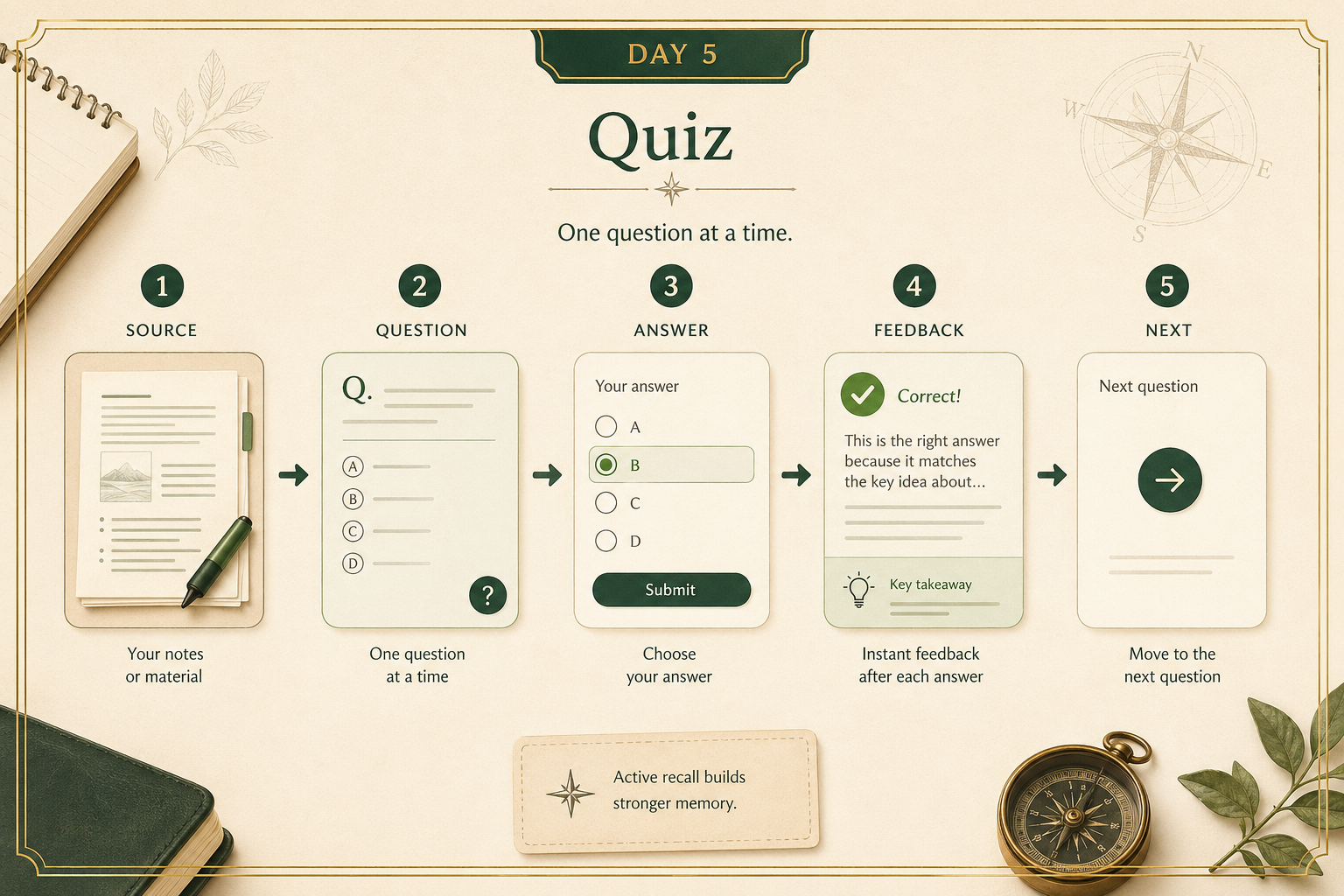
A simple upgrade most people miss:
stop asking AI to summarize everything.
Start asking it to test you.
If you upload notes, paste an article, or share a training document, you can say:
“Create a 5-question quiz from this material. Give me one question at a time. Do not reveal the answer until I respond. After each answer, tell me what I got right, what I missed, and then move to the next question.”
This works because recognition is easy.
Recall is harder.
And harder is often what makes the learning stick.
Good use cases:
- studying for an interview
- learning a new tool at work
- remembering a framework from a meeting or training
- checking whether you actually understood an article you just read
Your action for today
Pick one concept you want to understand better.
It can be practical or nerdy:
- EBITDA
- APIs
- options trading
- SQL joins
- a legal clause
- a sport you never understood
- a workflow inside your job
Then do one of these:
- use the Socratic tutor prompt
- use the simple-explanation-plus-analogy prompt
- use the quiz prompt on a piece of material you already have
Reply with:
- the concept you chose
- the exact prompt you used
- one answer or analogy the AI gave you
I’ll tell you:
- whether you used the right learning setup
- where the prompt could be stronger
- whether the explanation was actually sound or a little too shallow