Source
Supabase live template
Delivery
Sent email
Last sent May 11, 2026
Updated
Apr 28, 2026
Visuals
4 image assets
Version 1.2. Fix Day 3 image URLs and publish visual draft with revised homework experiment
Main Context
AI Orientation
Day 3: Prompt engineering basics
Day 3: Prompt Engineering Basics
What we’ll cover today:
- Why 90% of AI users get “generic robot” writing
- What prompt engineering actually is
- The 3-part framework: Persona, Task, Format
- Why iteration beats one-shot prompting
- Your homework: run a before/after prompt experiment
Step 0: The “robot write” problem
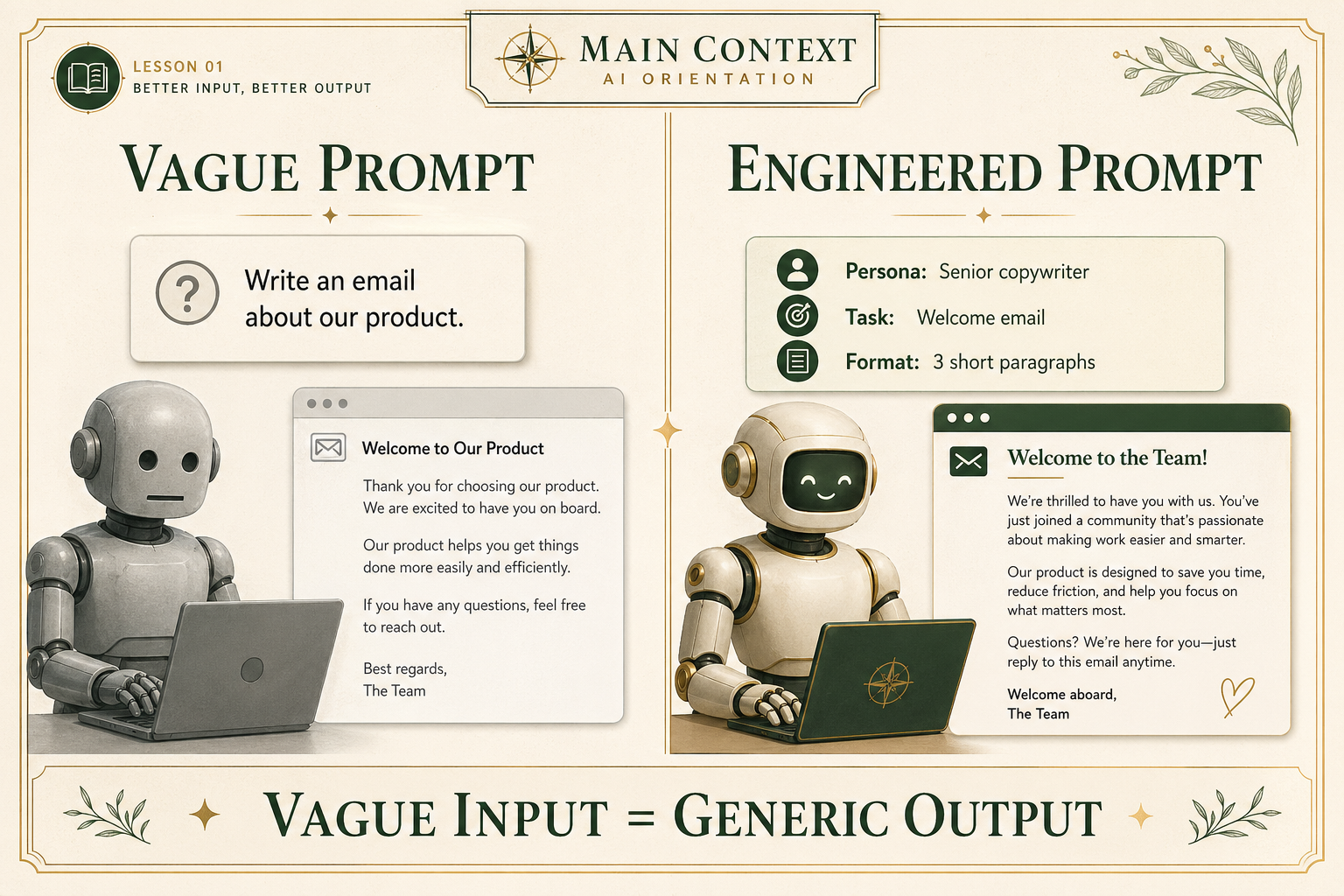
We’ve all seen it.
You open an email, read the first sentence, and immediately think: “An AI wrote this.”
It’s overly formal. It uses phrases like “I hope this email finds you well” or “In conclusion.” It sounds competent, but lifeless.
Most people blame the model. But the real problem is usually the input.
Our rule from Day 1 still applies: vague input = generic output.
If you tell the AI, “Write an email about our product,” it will predict the most average version of that request. If you want something sharper, warmer, or more useful, you have to give it better boundaries.
That’s what prompt engineering is.
Step 1: What prompt engineering actually means
“Prompt engineering” sounds technical, but it isn’t.
You do not need to code.
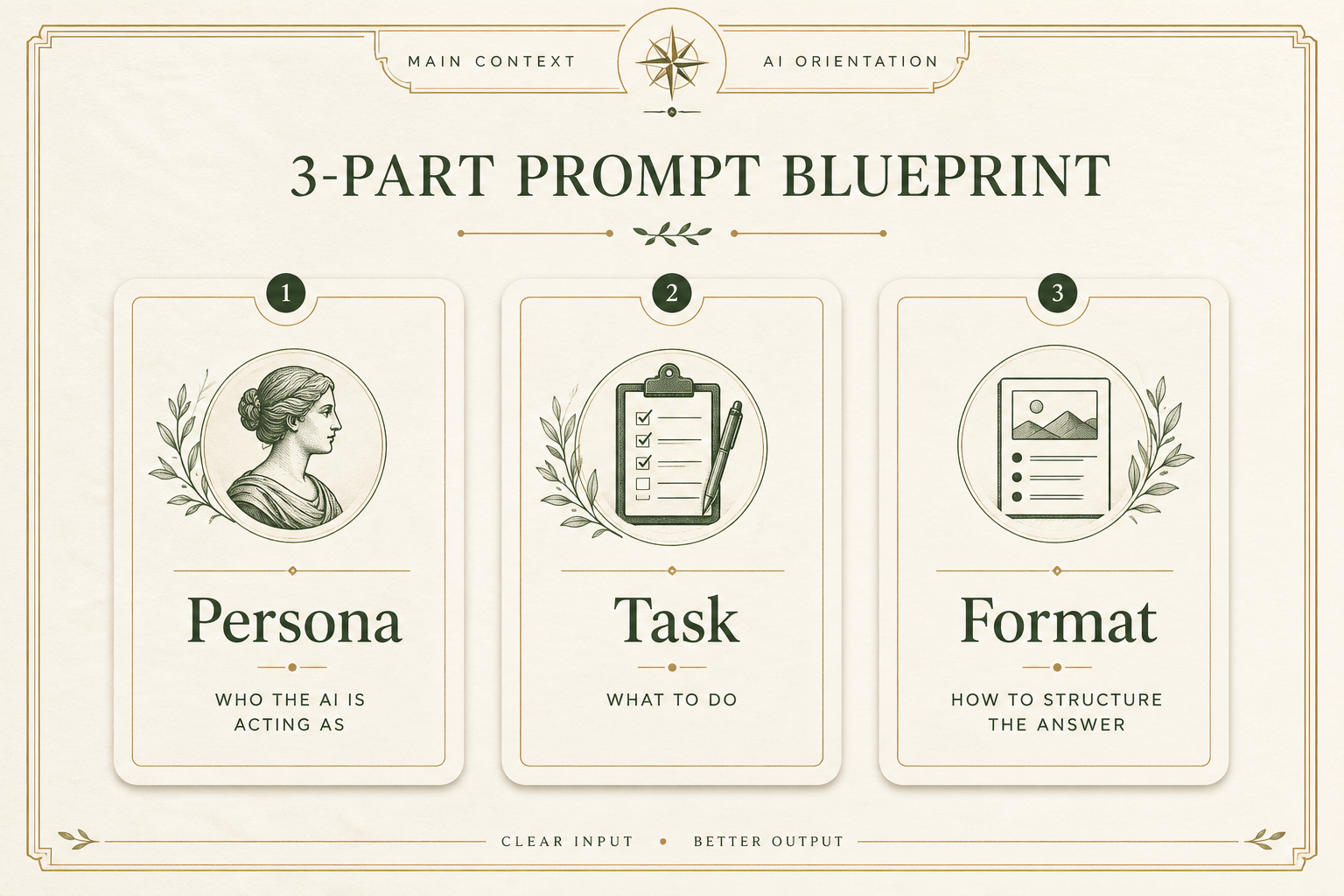
Prompt engineering is just the act of giving the AI clearer instructions so it has better constraints to work inside.
Think of it this way:
- wide instructions = generic patterns
- narrow instructions = more specific, useful patterns
The easiest way to do that is with a simple 3-part structure.
Step 2: The 3-part framework
Use these three pieces in your prompts:
1. Persona
Who should the AI act like?
Example: “Act as a senior copywriter in the fitness industry with a punchy, conversational tone.”
2. Task
What exactly do you want it to do?
Example: “Write a welcome email for our new protein powder. Keep it under 150 words. Do not use corporate jargon.”
3. Format
How should the answer be structured?
Example: “Return the email as 3 short paragraphs with a bulleted list of key benefits.”
That one change alone moves you out of beginner mode.
Step 3: Before vs after
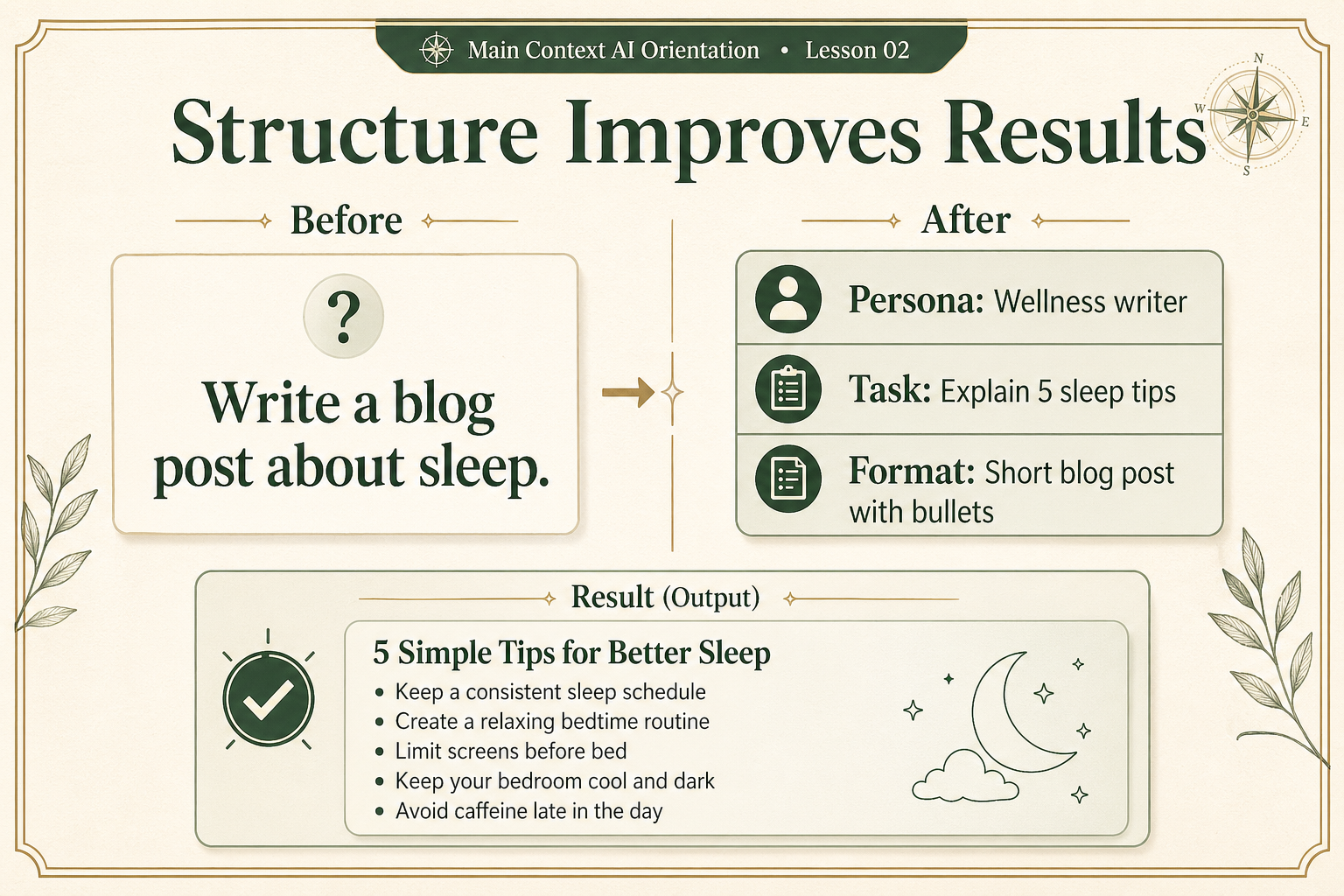
Here’s the difference between a weak prompt and an engineered one.
Weak prompt:
“Write me a summary of artificial intelligence in healthcare.”
Engineered prompt:
- Persona: “Act as a seasoned medical professional writing for first-year medical students.”
- Task: “Summarize the current state of AI in healthcare, but focus only on diagnostic imaging. Include two real-world risks.”
- Format: “Return it as a 300-word executive summary followed by 3 bullet takeaways.”
The first prompt gives you something generic.
The second gives you something shaped for a real audience and purpose.
Step 4: The real unlock — chain prompting
The next beginner mistake is treating AI like a vending machine:
- one prompt in
- one answer out
- done
That’s not how strong users work.
They keep going.
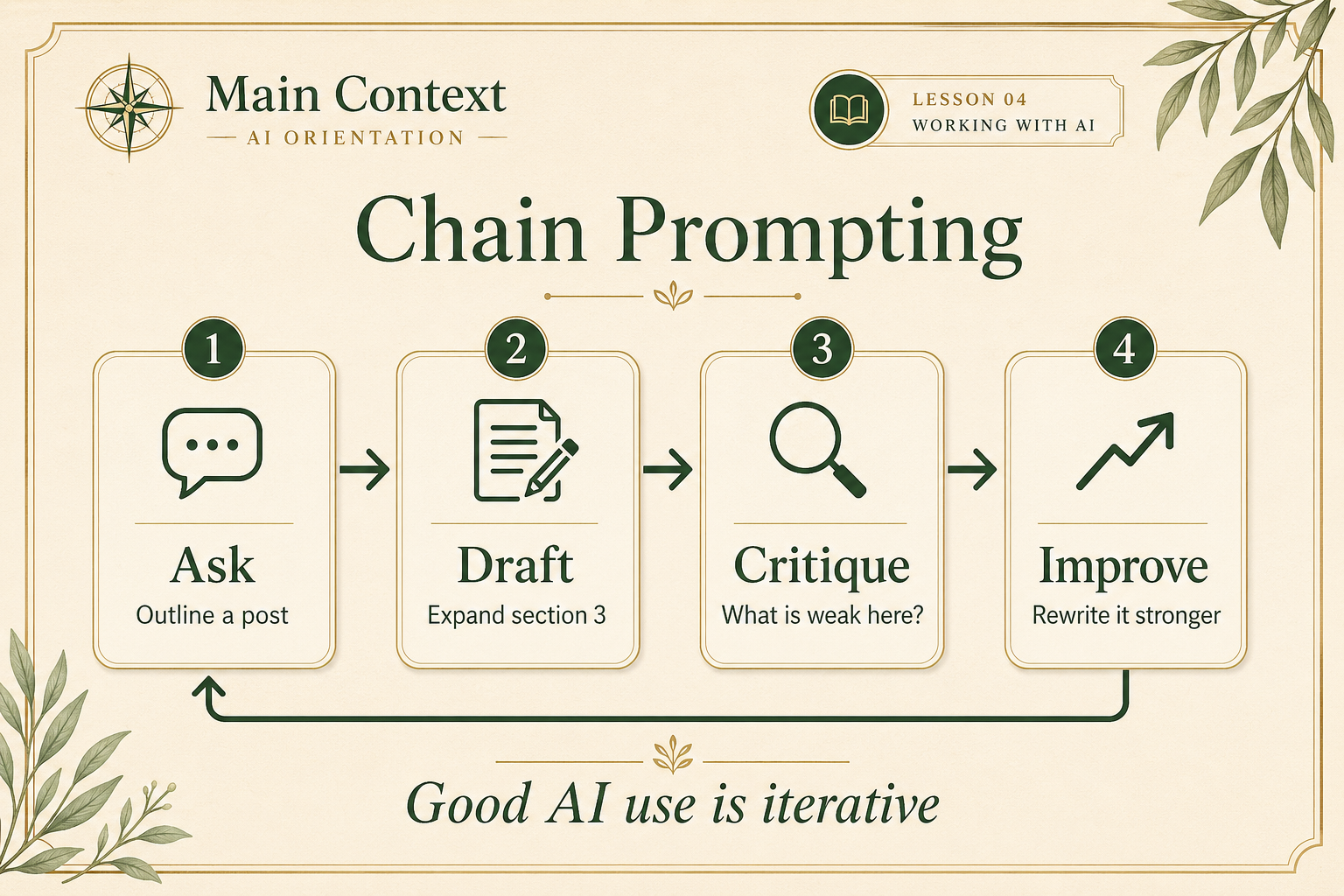
Example chain:
- Turn 1: “Write an outline for a blog post about how remote teams build trust.”
- Turn 2: “Now expand section 3 into a full paragraph with a specific example.”
- Turn 3: “Now critique what you just wrote. What is weak here?”
- Turn 4: “Rewrite it stronger.”
This is how AI becomes a thinking partner instead of a one-shot draft machine.
Your homework
Instead of using a pre-written bad prompt from me, run your own small before/after experiment.
- Start with a real vague prompt you might actually write.
- Run it and look at the result.
- Rewrite the prompt using Persona + Task + Format.
- Run the improved version.
- Compare the two outputs.
Then hit reply and send me:
- your original vague prompt
- your improved prompt
- one or two sentences on what changed in the result
If you want a starting point, you can use something simple like:
- “Write a blog post about sleep.”
- “Write an email about our product.”
- “Help me plan a workout routine.”
I’ll grade your improved prompt on a 1–10 scale and tell you:
- what you nailed
- what you missed
- your clearest next improvement